


This thing turned up at the studio the other day, ‘cause Kris, the sculptor who was upstairs but is now down (but now down-down) stairs, impulse bought it off ebay.
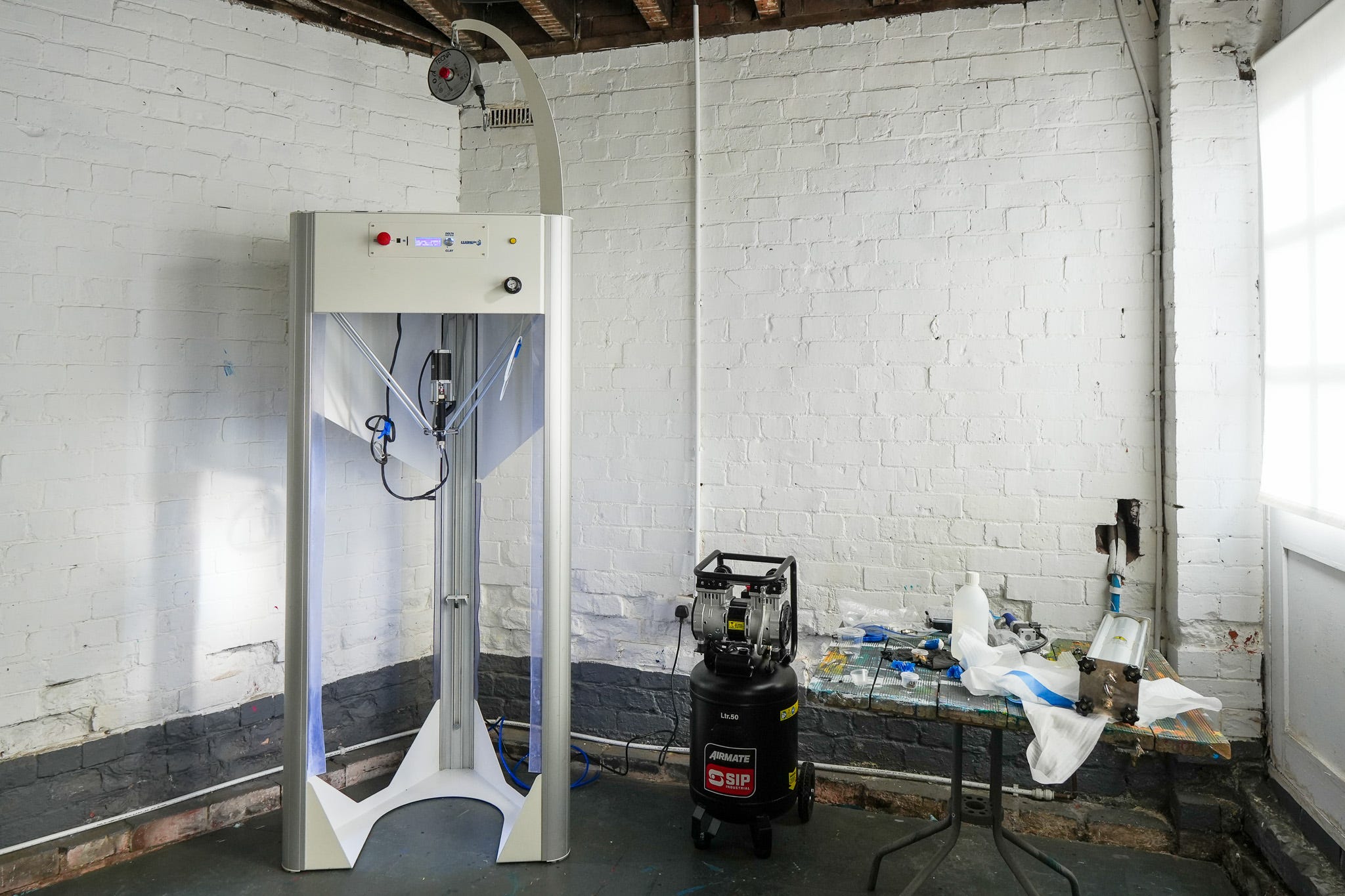
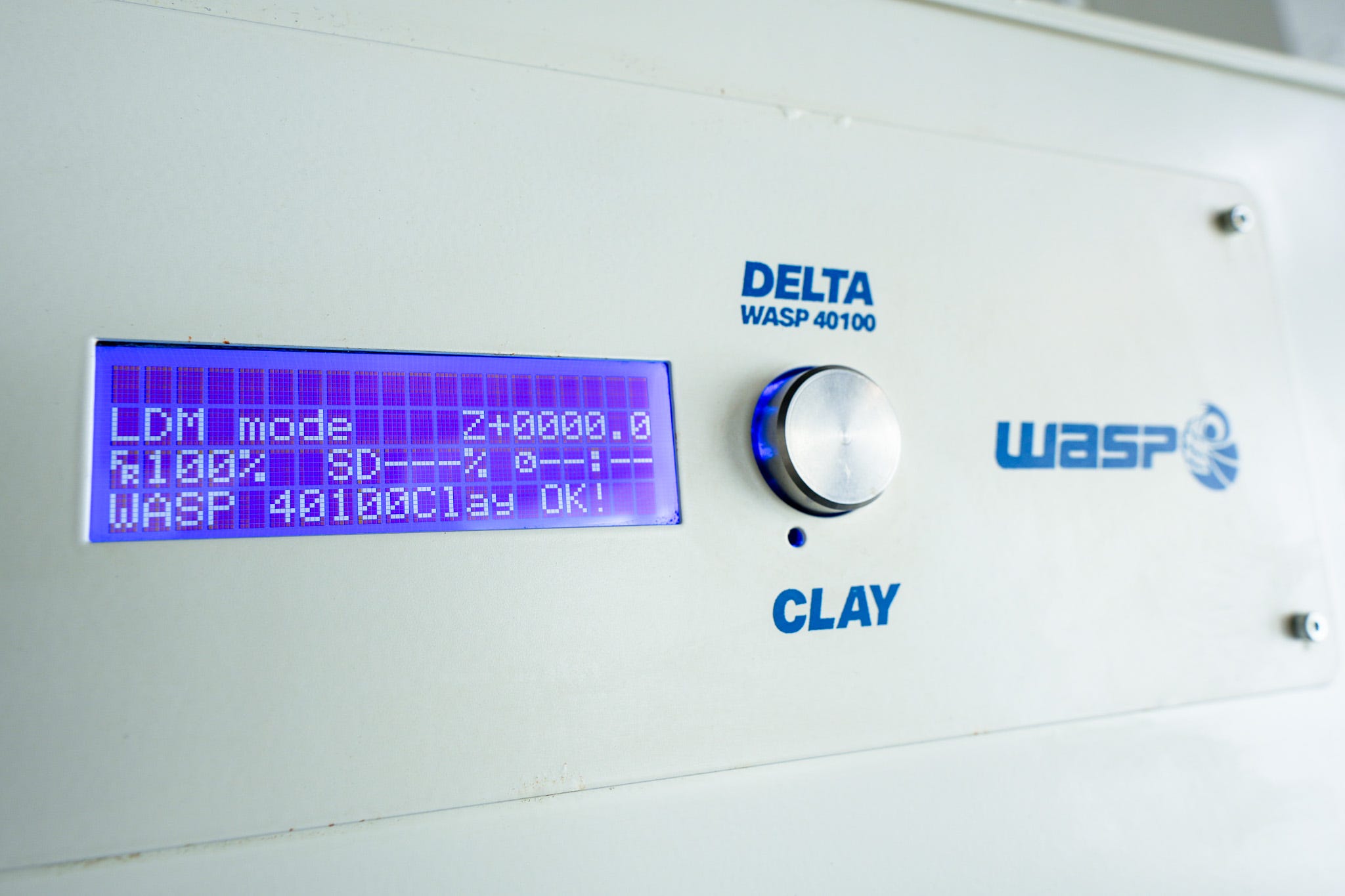
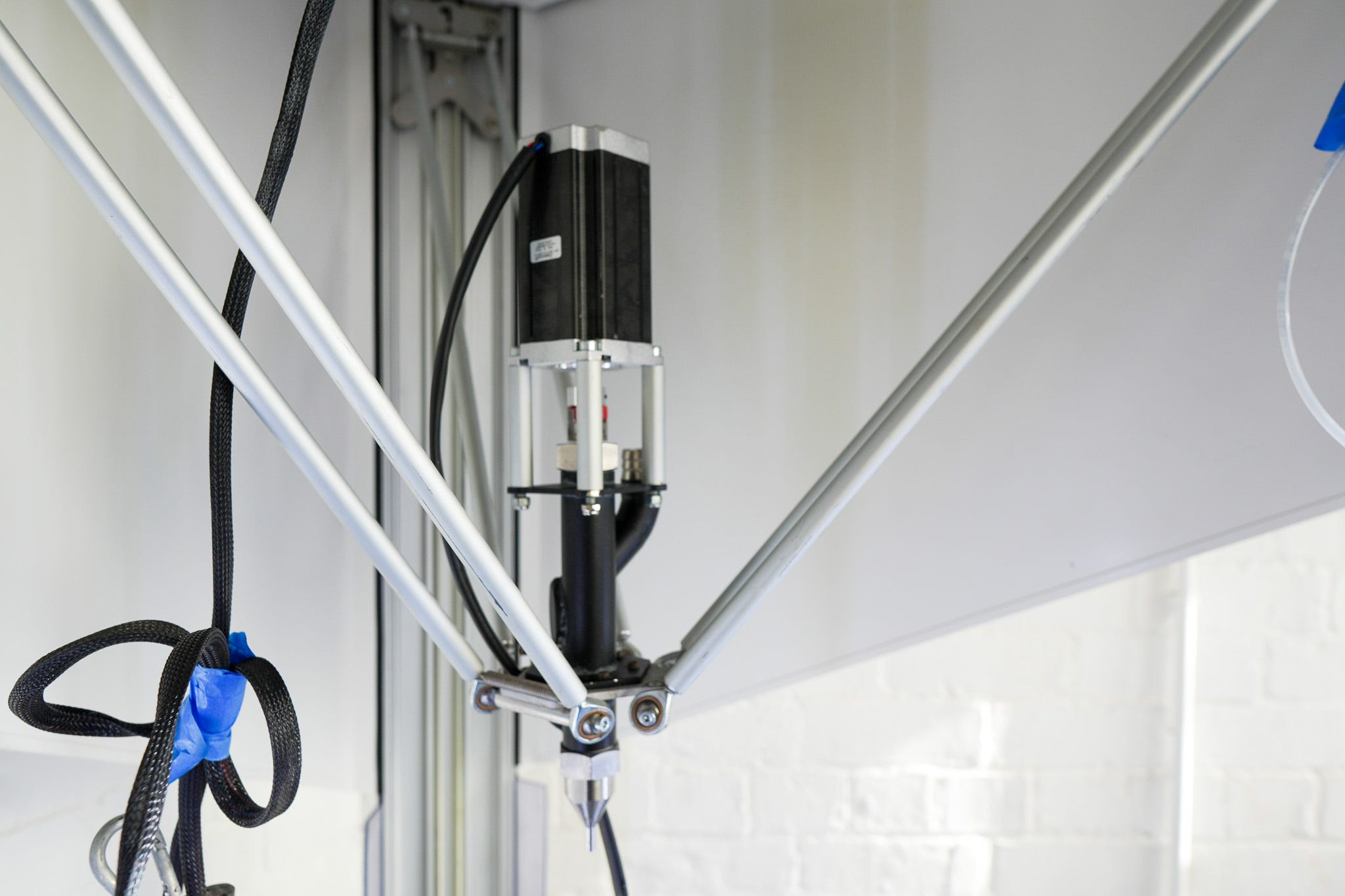
It’s a Delta WASP 40100, 3d clay printer, that reads GCODE, a.k.a. an X,Y,Z plotter that extrudes clay.
GCODE! GeeeeeeeeeCODE, specifically Marlin flavour for GCODE geeks.
I’ve been writing code that writes GCODE for the Bantam Tools ArtFrame for a while, including along the Z-axis. I also have a Drawing Machines 101 video sketched out all about working with polar co-ordinates; basically instead of thinking in x,y axis it’s working with rotation and distance from a central 0,0 point.
Circles, and spirals that go up, pretty much.
Something I really love is when artist share their knowledge about things they are both passionate about and have a deep understand of, so please say hello to Jonathan Keep who’s been making videos like this…
…and this…
And here’s a deep dive into the whole process.
Jonathan works with Blender a lot, but also a bit of Processing here and there.
Meanwhile I’m more comfortable working with code, but I’m pretty sure there’s going to be a lot of trial and error before I get even anything as fancy as an ashtray done.
Besides I still have a lot of videos to make and I’m trying not to get too sidetracked.
🔘 🔘 🔘 🔘 🔘
Speaking, kinda, of working in circles, Heft Gallery, has/had an exhibition called Circle - it was a project with a pretty tight deadline, and Adam asked some of your/my/our favourite artists to create a short series of artworks with the criteria a) a circle with a set inner and outer radius, b) based on some previously created work.
Pretty sure that second stipulation was to help speed things along by encouraging artist to reuse old code/resources rather than dive down new rabbit holes 🤔
I took my kaleidoscope code/logic which I’d been applying to pen plotter SVGs, and threw it at my FALLiNGWATER project, here’s three outputs.


The timing is such that the Heft Circle webpage didn’t exist when the last newsletter went out, and the 7-day window of the project being open means it closed a couple of days ago before this one. Although I’m pretty sure you can still buy one directly if you use the contact info at the bottom of the page, where you can also see all the circles created by the other artists.
https://heftgallery.com/circle/tokens
You’ll find work there from the likes of Casey Reas, ClownVamp, Emily Edelman, LoVid, Sarah Ridgley, Snowfro, Stefano Contiero, Sasha Stiles, Thomas Noya, Tyler Hobbs, and zancan, among many others.
I’m not really “doing exhibitions” at the moment as I already have too much on my plate, but this one was quick and fun.
Part of settling on the final 10 designs involved building myself a small webapp that allowed me to adjust various parameters of the kaleidoscope and the FALLiNGWATER source that got fed into it. At the last minute I threw in an “autoplay mode”, hit the screen-recorder and set it away over a lunch break, here’s an extract that’s kinda fun to watch for a short while and/or scrub through.
🍿 🍿 🍿 🍿 🍿
# DRAWING MACHINES 101
As this is clearly turning out to be a YouTube video heavy edition, since last newsletter I’ve managed to squeeze out one more tutorial video, this one about randomness.
In which I mention some of my favourite numbers between 0 and 0.9999999999
Spoiler, here’s some of them…
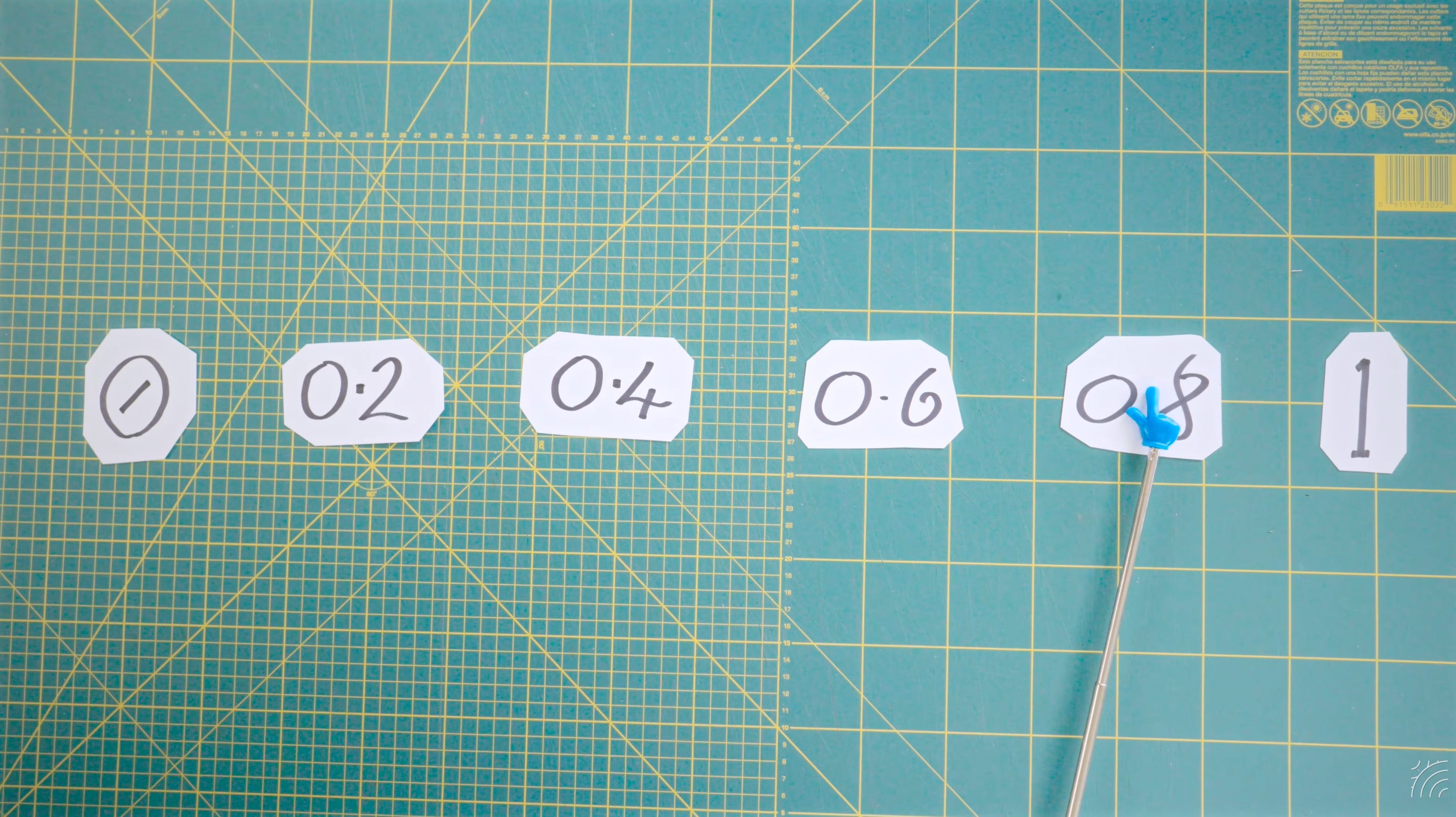
Also, a small quibble in the comments that “0.9999 is exactly equal to 1” - which while mathematically true, isn’t when it comes to rounding down in javascript 😁
I’m going to carry on recording the next video, about hidden line removal today and tomorrow, with an eye to getting that out next week, which should wrap up Module 2.
Then onto Modules 3, 4 and 5 😬
# QUICK LINKS
Just a couple, this one from a couple of years ago, but worth your time: Spotlight: Liz Melchor, Pen Plotter and Artist who I’m sure you already know as i.draw.monkeys on Instagram.
Announcement - PlotterFiles is now managed by Bantam Tools - which drew my attention to their online SVG Optimizer which is useful for it’s quick and easy “Remove short paths” option.
For, uh, professional reasons, I’m on LinkedIn, which is… a vibe, and I’m trying to make it more tolerable by following artists so I don’t have to read endless AI think-pieces. So please if you’re in any way sane and creative reach out or circle round or whatever the fuck is the correct LinkedIn thing: https://www.linkedin.com/in/danielcatt/
Fair warning, I will probably be posting about archiving shit, preserving born-digital collections, digital death doulas and smuggling mysteriously vanishing Enola Gay photos out of Flickr (eventually one day).
# THE END
The attempt-to-grow-flowers-to-make-natural-ink project continues; in that I keep throwing seeds into cells and pots, then move them into bigger pots and (hopefully) eventually out into the garden. I haven’t yet made any ink, and honestly since the crocuses the other month there’s been very few crushable flowers.
However I am enjoying spending the first hour or so of the day preparing for the rest of the day in the greenhouse.
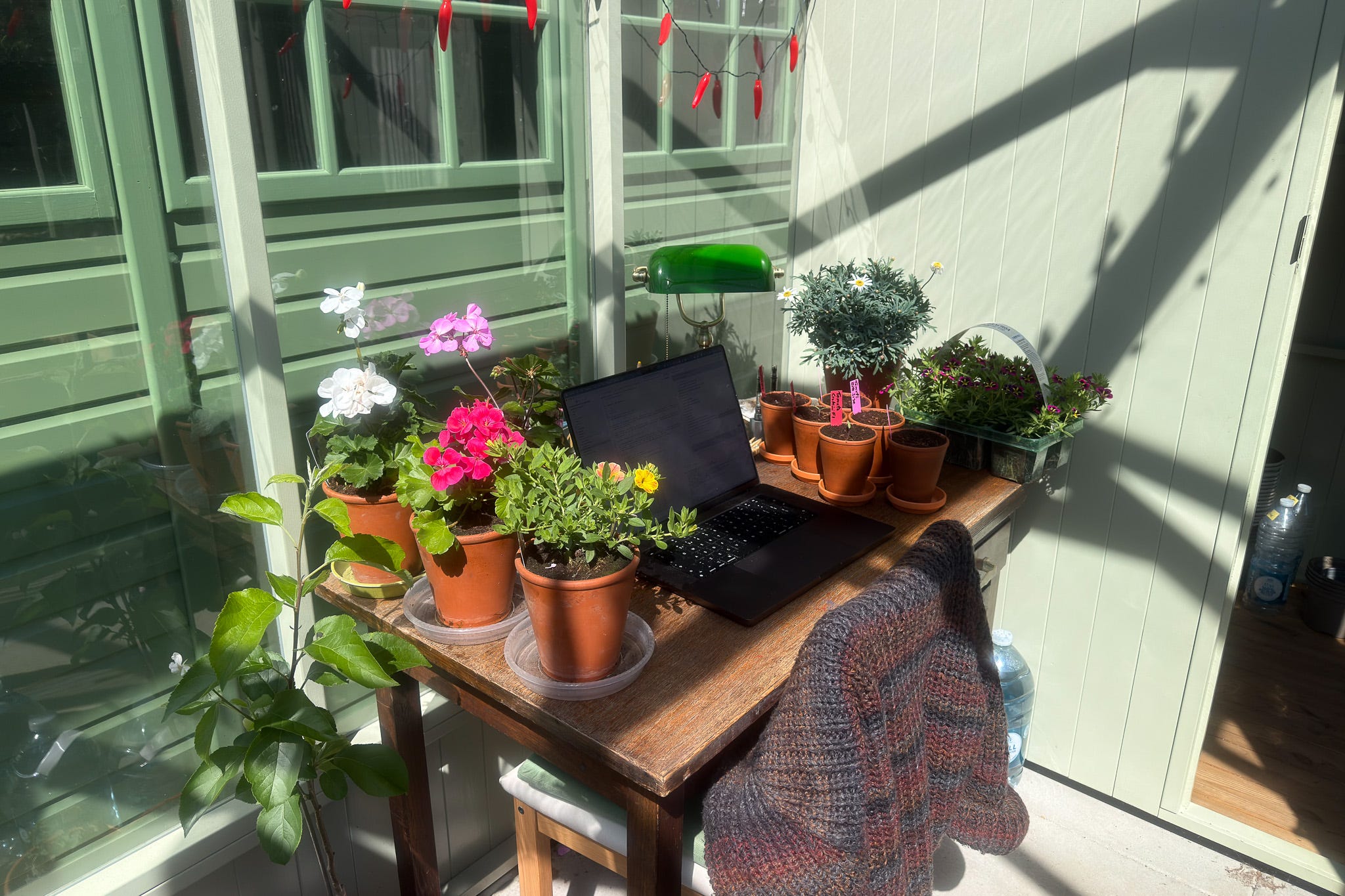
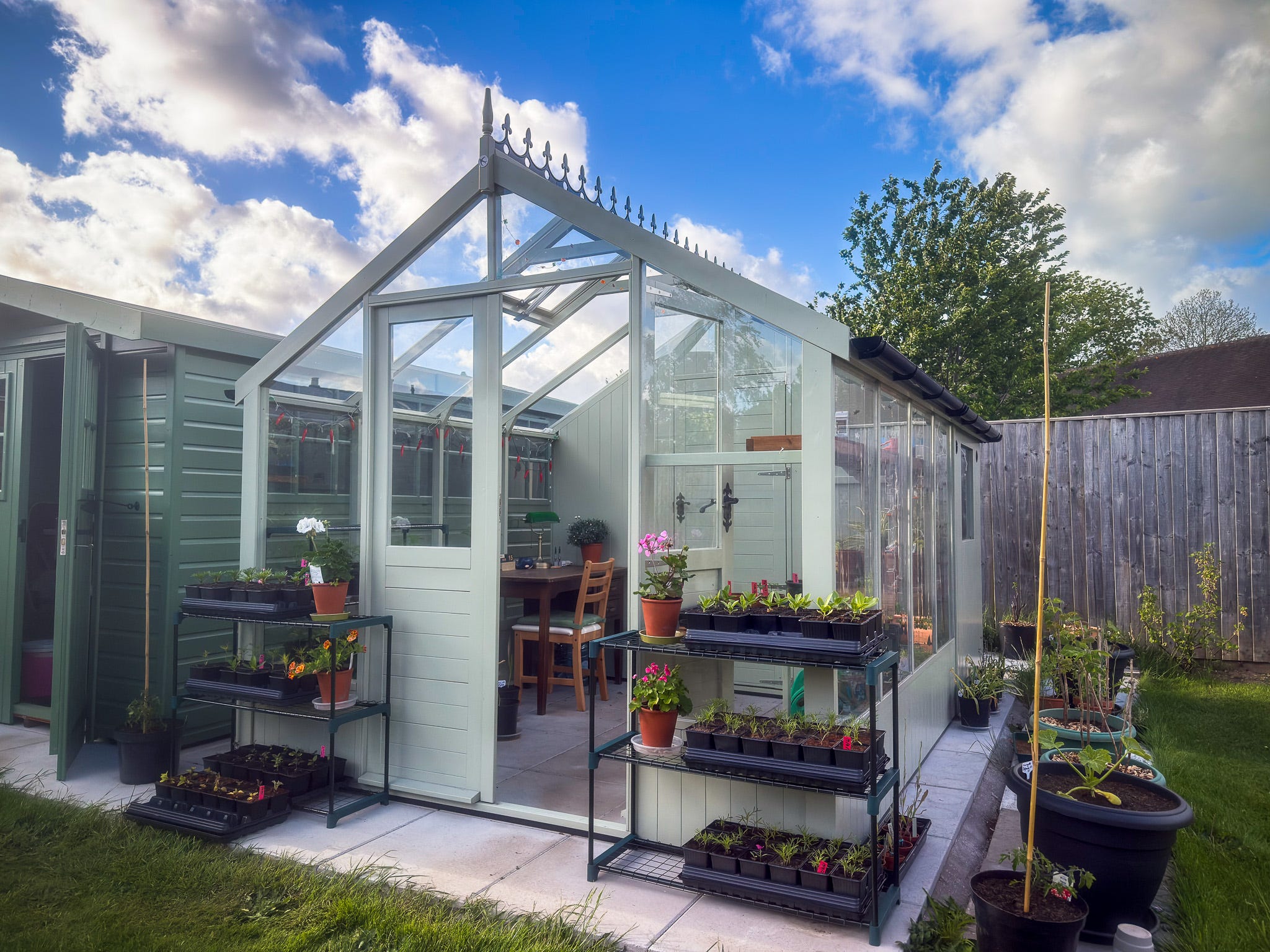
Part of the whole seeds/seedlings/plants thing is having to harden them off. They’ve started off nice and snug and coddled in the greenhouse, and they’re destined to end up outside exposed to the elements. To make the transition easier they get put out each day to experience the hard realities of being in the big bad world, and brought back in at night - to protect them from, dunno, frosts, bats and weasels, perhaps 🤷♂️
Except today, when it HAILED, SO MUCH!
So I’m hitting send on this and heading out there to see if they’ve survived. Wish me, and them, luck!! 🌱🍃
Love you all
Dan
🧡
re: LinkedIn, I'm sure the words "reach" and "around" are in there somewhere.