


I think this book was designed to personally, specifically irritate me. I saw it in the local shop on the way back from posting letters, walked past it, and ended up turning back to buy it, just so I could continue my annoyance even longer. You win Thomas Pavitte!
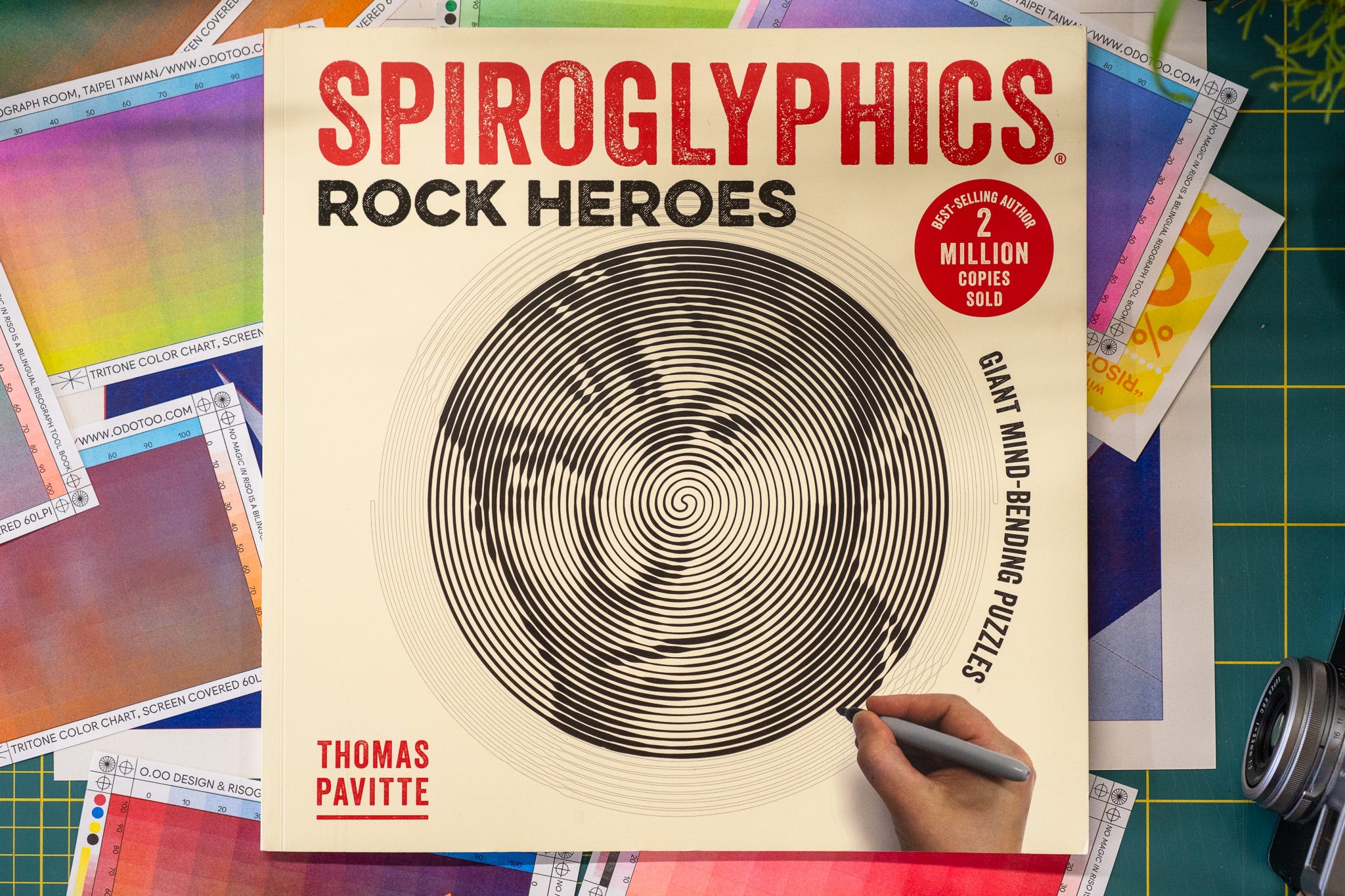
Look at that tiny hand in the bottom right, filling in that spiral with various thicknesses to make the image appear. You are the pen plotter.
Inside are 20 pages like this, TWENTY, this is page 12…
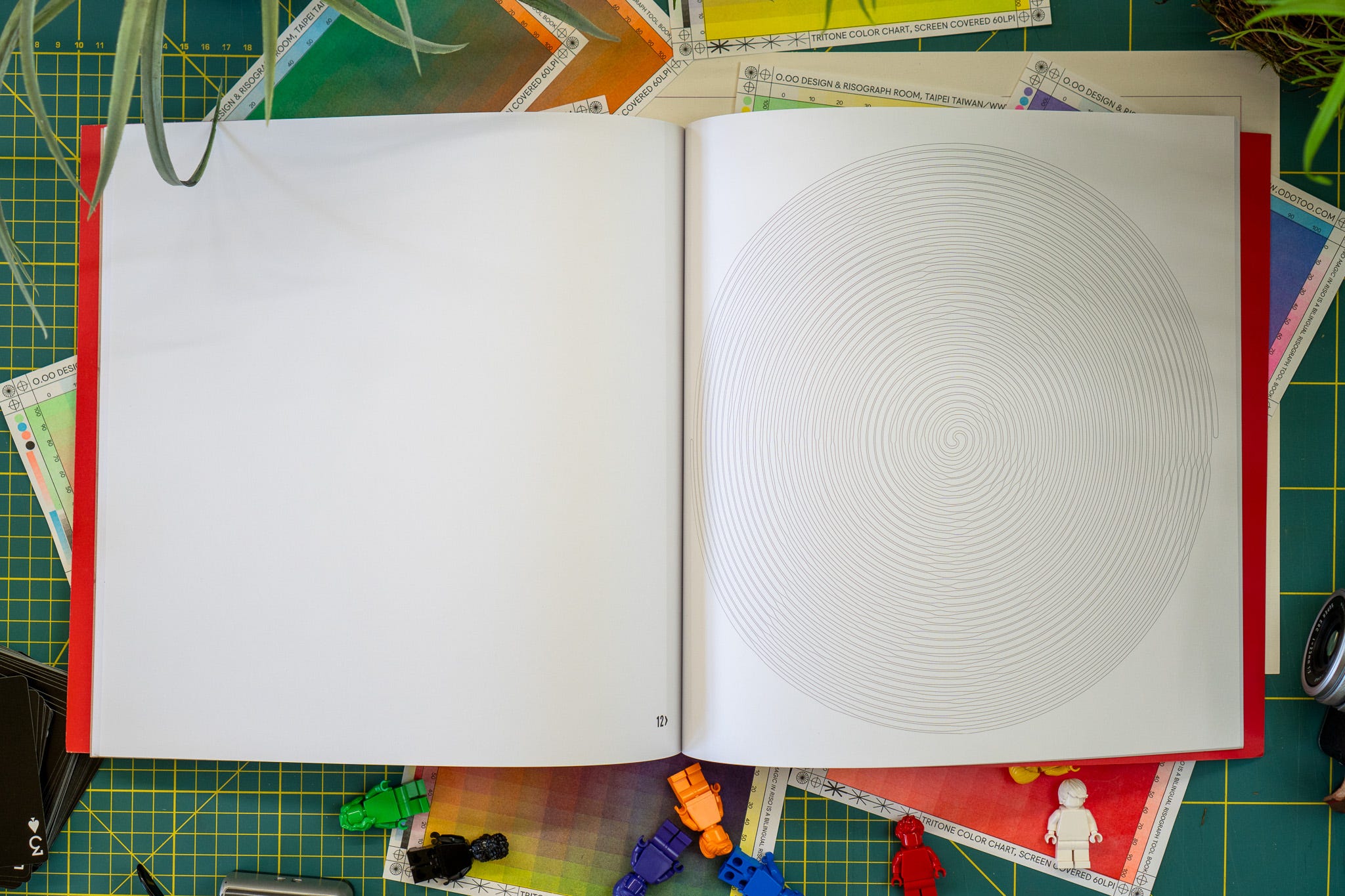

It was first published in 2017, and, according to the front, “2 MILLION COPIES SOLD” - for 20 pages of spiral outlines!!
I’m so disgusted here’s the video…
Obviously I’m being dramatic, and I’ve always loved people who make stuff like this; I like to think of them down in their workshop figuring out new puzzles and ummm, things - almost like crazy inventors. Thomas is therefore a legend; and somehow also made dot-to-dots good(er-ish).
I’m mainly annoyed that I didn’t realise selling the idea of the outline of something to publishers was somehow an option.
Hey publishers, if you want something like this, hit up the pen plotter community I’m sure there’s loads of fun stuff you can do beyond the AI slop colouring in books that seems to be filling the shelves.
# THE JOY OF DOING IT YOURSELF
The ‘joke’ I sometimes make — about using a drawing machine to take the tedium out of drawing — is that it’s wrong, of course.
Sometimes we want to do something slow and methodical, a break from everything else; solving a crossword, colouring squares in on one of those stupid colouring the squares in puzzles (that I don’t like), word searches, Sudoku, and for me, writing code.
Often these things aren’t hard, they’re a process we can go through and at the end, complete, satisfying.
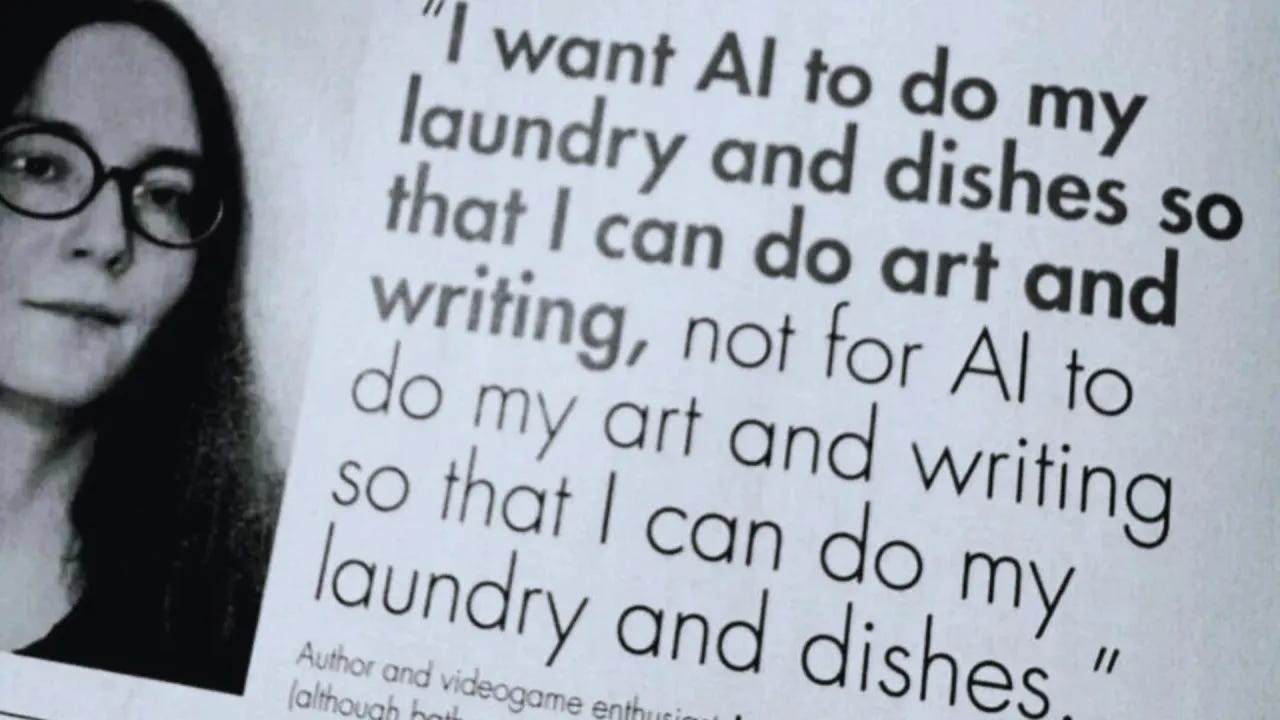
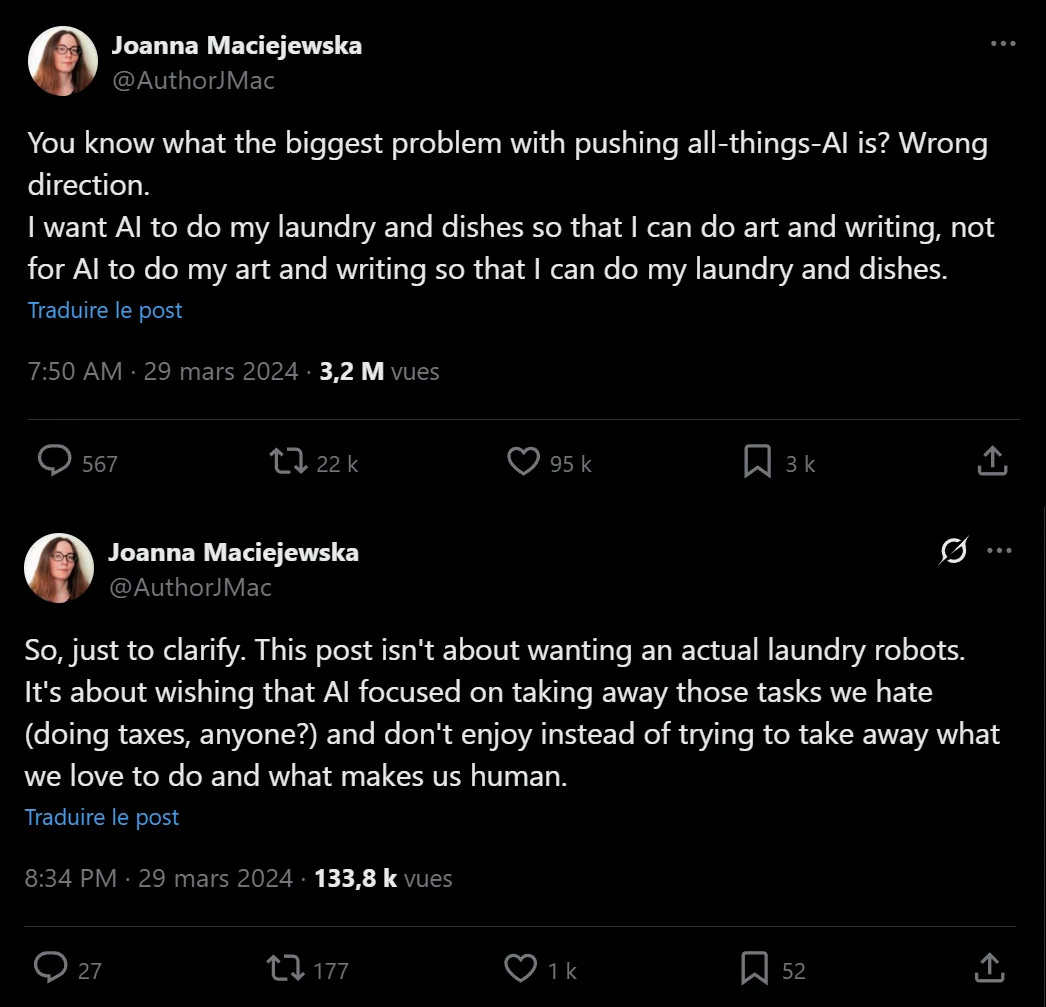
There’s also this, which I’m sure you’ve probably seen some version of by now.
# BUILDING TOOLS & AI
I got asked about the UI in this photo the other day…
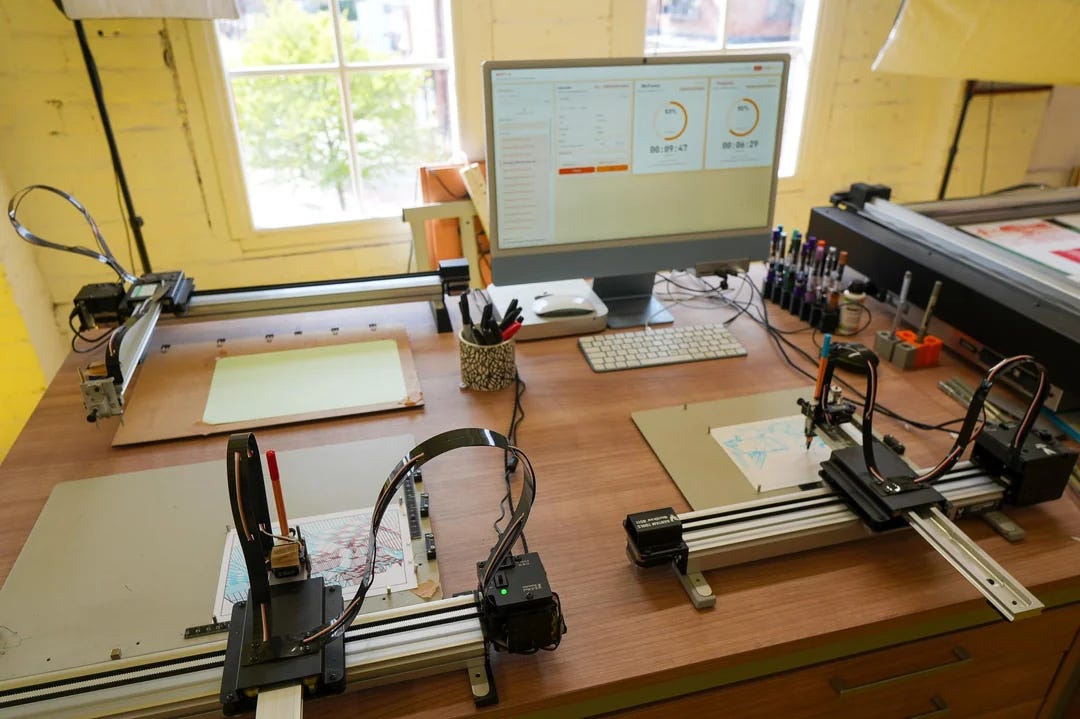
…which is an update to my “Minimal Viable Plotting Tool” that I first wrote about way back in newsletter #14 Works on my Machine, April 2023, just over three years ago.
The title there referencing that it’s a very different experience writing tools for your own use, taking your own very specific way of working and computer/hardware set-up into account, vs making it work for everyone else. Despite that, because I knew not everyone could write code, back then I made that code public on GitHub for anyone brave enough to try and use it.
We’ll come back to this in a moment.
🤖
Pen plotter artist gre recently published his tool for controlling his drawing machine; “Web interface for controlling an AxiDraw pen plotter from a Raspberry Pi.”
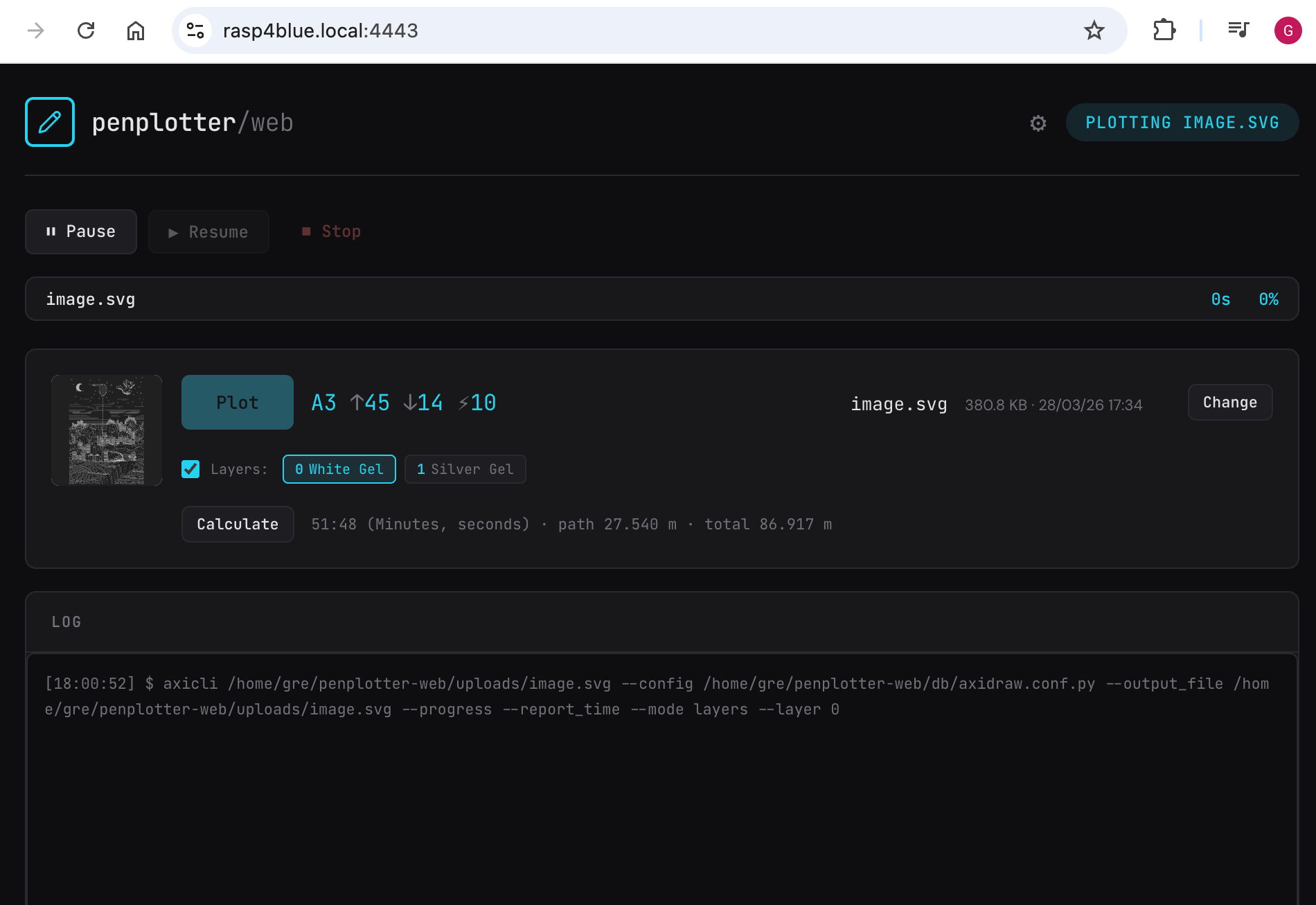
Which is different to mine, because of course gre has different requirements to me.
One of my requirements was that I should be able to see progress from the other side of the room, thus big round clear progress bars/circles.
Meanwhile targz wrote over on reddit, here’s a snapshot of part of it where he’s talking about using AI to link together all the tools he wants to use.
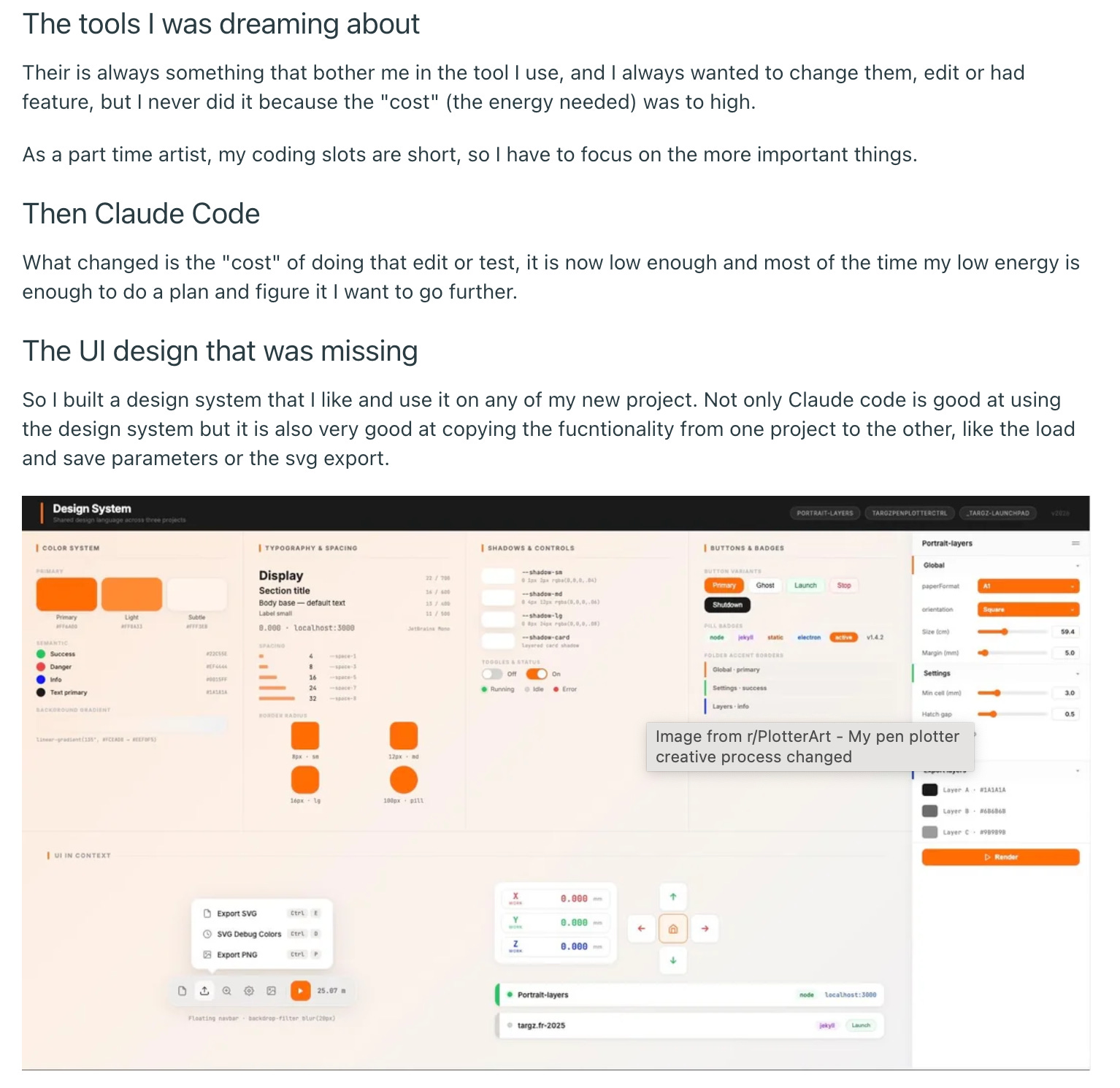
Much like my tool and gre’s tool, it’s primarily a UI over the top of various command line tools that make them work in a more intuitive/useful way, but each of these “apps” is clearly tuned to match the needs of each of us.
🤖
Back to my UI; in 2023 I put my code onto github so other people could attempt to install and use it, because I’m an artist who knew/knows how to code these things, and perhaps other people don’t, they just want to spin something up someone else has shared and use it.
Since then I’ve gotten more drawing machines and wanted to control them all from one UI, remotely, so I too threw AI* at it and basically went “take all this and update it”.
*currently a MacBook Pro M4 Max with 128Gb memory and all the cores, using Ollama, and (for the nerds) qwen3.6:35b-a3b-coding-mxfp8 for long running code tasks.
I could have updated the code myself, and I know how to update the code myself, but I’ve written this type of code hundreds of times before and I like the idea of computers actually doing stuff for me while I go eat lunch.
In reply to the person asking I said this (very permissively)…
Probably the most sensible thing to do is clone the repo, point AI at it and go “Work out what this code does, it’s overly complicated, I want something that allows me to simply and easily do...” - and then give it a list of what you’d want it to do and turn it onto your own personal tool.
Which is where I think we are with AI.
We don’t have to totally rely on someone else’s view of how a small tool should work, we can relatively easily spin up something that works for how we operate.
I want AI to do all the boring things I’ve done countless times before, unless, I feel like relaxing, getting into a flow state and tinkering.
However, I’d rather spent that flow state and tinkering writing code to make art, and I absolutely do not want AI to be involved in that process.
Kitty, my studio “AI PA” - absolutely does a bunch of boring metaphorical “laundry and dishes” around the studio, she does not get her paws on my art process (apart from those postcards that one time).
# BAD AI
However this also popped up on the reddit the other day…
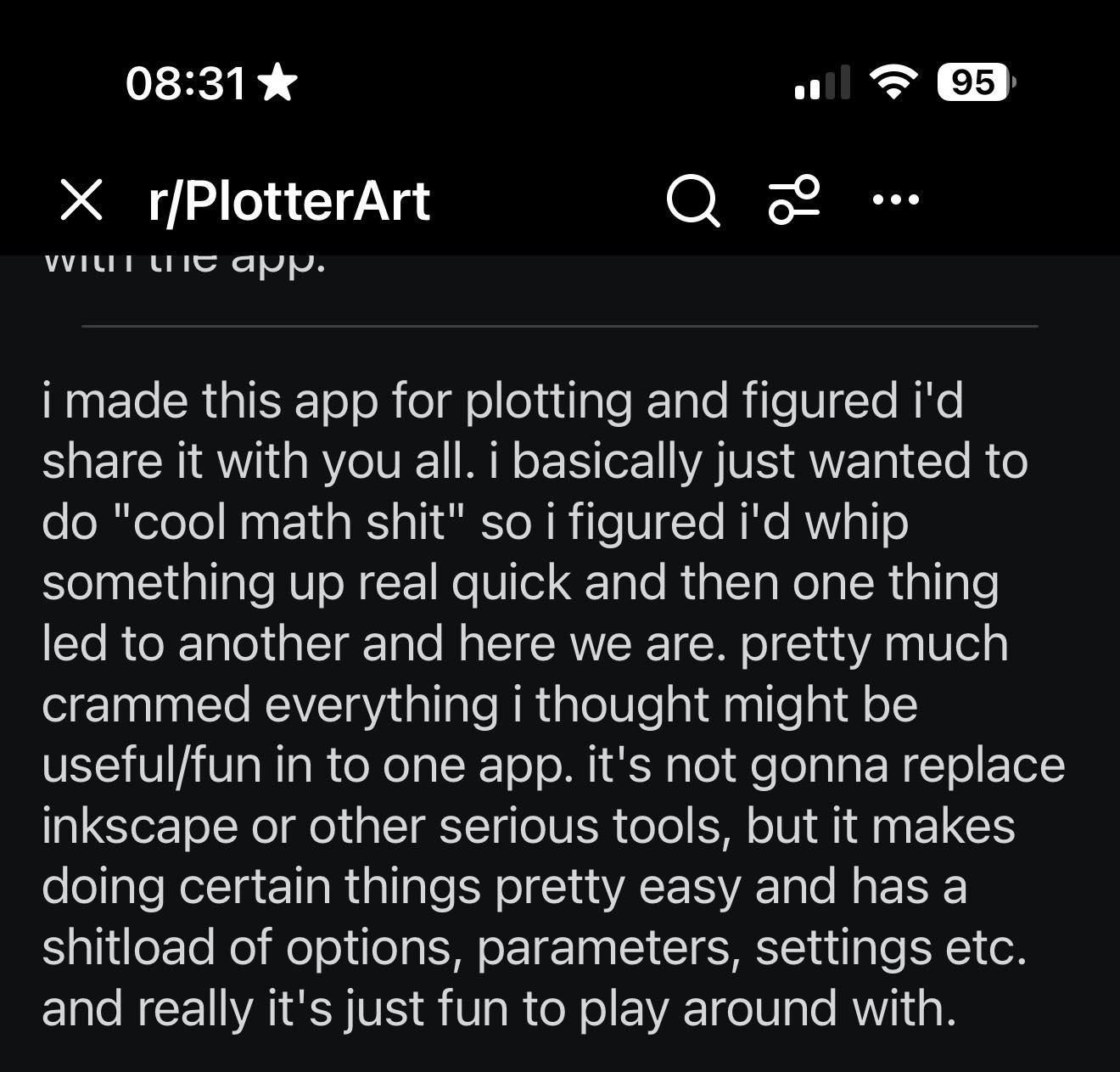
This person very kindly shared an app they’d made, a kinda of Swiss Army Knife of pen plotting tools, processes and goodies. Incredibly useful and handy for people trying to get into pen plotting.
A treasure trove of helpful things.
Various replies…
That's very cool! Thank you for sharing! I'm new to this world and I want to play a little bit before buying a plotter Your app seems perfect for this
Very nice - thanks for sharing this! I’m looking forward to checking this out over the weekend.
Thanks for collecting together all the interesting math stuff, and thanks for sharing!
Oh, but wait…
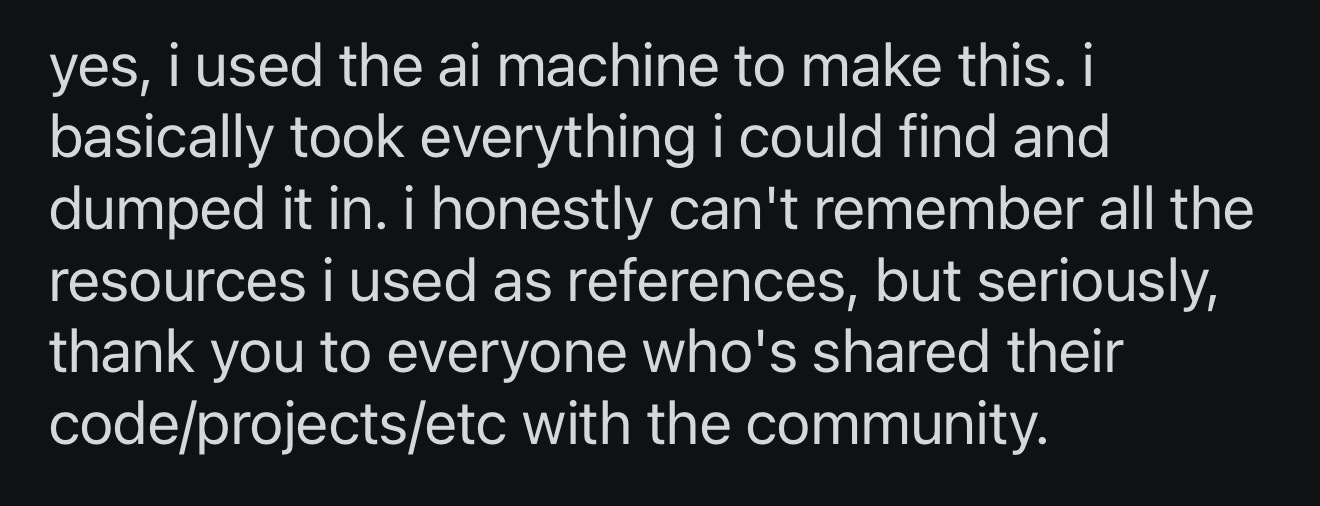
Where, ‘i honestly can’t remember all the resources i used as references … but … thank you’ appears to translate to ‘I didn’t care to make a note of where I grabbed all this stuff from because I don’t give a fuck, but thanks for all the code, projects and work everyone else has shared, I’ve taken it all and “dumped” it into this’.
As someone who’s freely shared code with the community, published projects where you can view the source code, where I’ve commented on the source code so people can look through and learn from it, and who’s making a whole damn series on YouTube about how to code for drawing machines, did my code get ‘dumped’ into the tool, did your code? Who knows, because they ‘honestly can’t remember’
Cool, cool.
Oh wait…
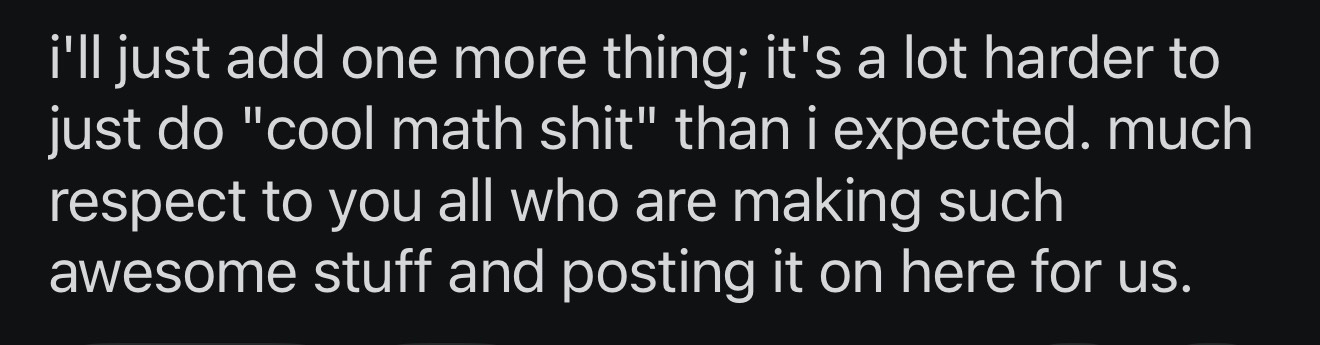
…no shit, and you’re welcome I guess.
🙄
It’s things like the above that sometimes makes me want to yank all my code, projects and examples off the web, and stop sharing, because this is going to happen. I guess you can thank that dude for that.
But as they say…
“check it out if you like. it's free, open source, MIT license, all that jazz. i know a lot of people on here have their own algorithms which way cool. maybe this could give you ideas or inspiration. or just pick apart the code and use what you like for your own project.”
https://github.com/pywkt/plottter
Although they also say…
“a note on exports: the ai overlords thought it would be cool to throw the axidraw stuff in there, but i don't own an axidraw (or anything compatible) so if anyone with one of those feels like testing that feature out that would be cool. let me know if it works out for you. same with the gcode export, i was about to test that out, but i broke one of my motor drivers and haven't gotten around to fixing it yet.”
…so YMMV.
Can you even open source and MIT license a shit load of other peoples’ stuff (with their own licenses) thrown into AI?
# THE END
Let’s all try again in two weeks time, when I’ll send out the next more upbeat newsletter, 14th May.
Love you all
Dan
🧡
Hello from "I used to create original stuff and share it on the internet with some entirely reasonable limitations on its use but because some dudes are happy to just run it through AI and pretend they made something and then have the bloody gall to try to license the result themselves so I am no longer creating and sharing much on the internet and that feels bad and sad". Gaaaah.
No wonder there's such an overlap between AI dudes and dudes you would leave your tipsy female friend alone with; "consent culture? never heard of it". Argh. (Probably best not to leave your drink unattended in a bar in San Francisco these days. The broken boys are everywhere here now.)
I share your thoughts on the AI pillaging plotter tool. Surely, code sourced from open source projects could be referenced by AI ? I recently came across Ken Perlin's smoothstep function that had correctly been credited by Claude. So, if open source projects are correctly documented, with licence and author, that information should be relatively easy for an AI to pull in and create a list for credits.